After deciding what type and size of rack you need, there are some basic configuration options to consider. Remember that not all of these options apply to every type of rack. (Floor-standing enclosures have the most options available.)
Doors
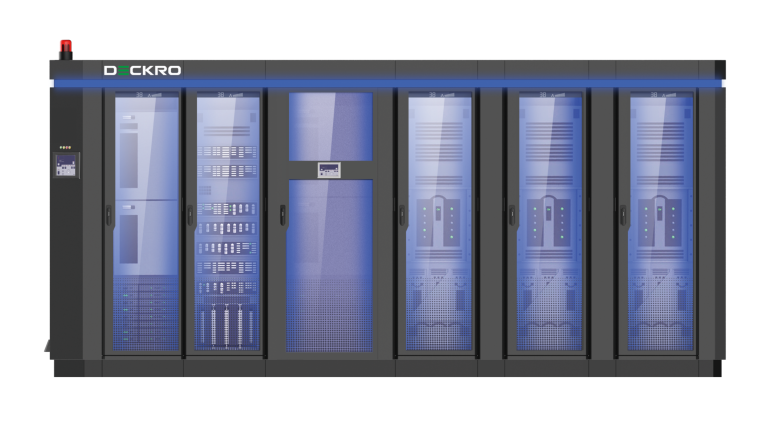
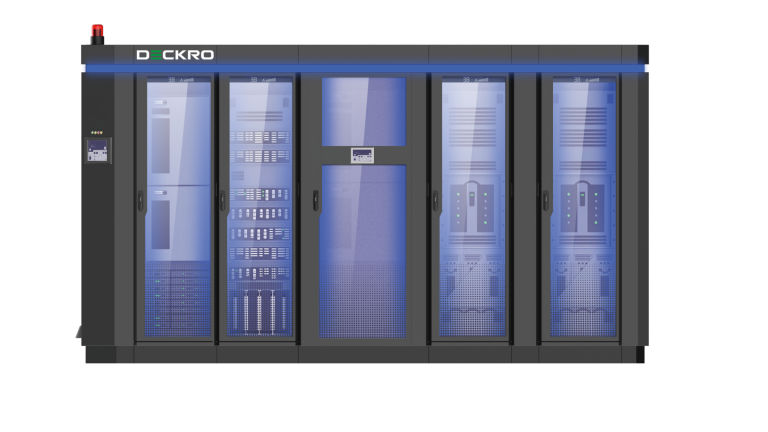
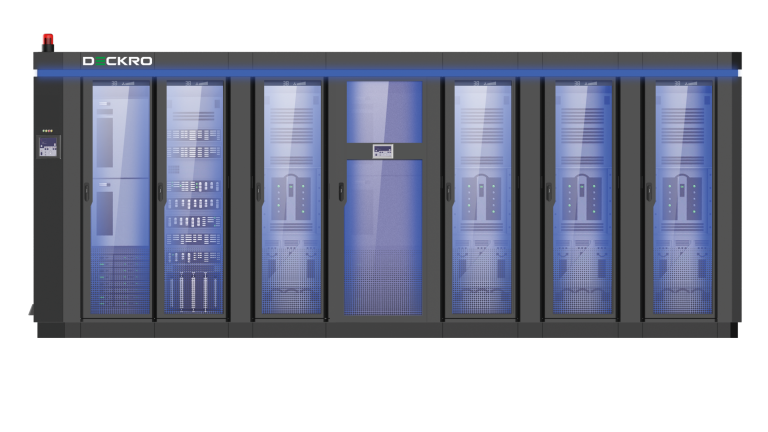
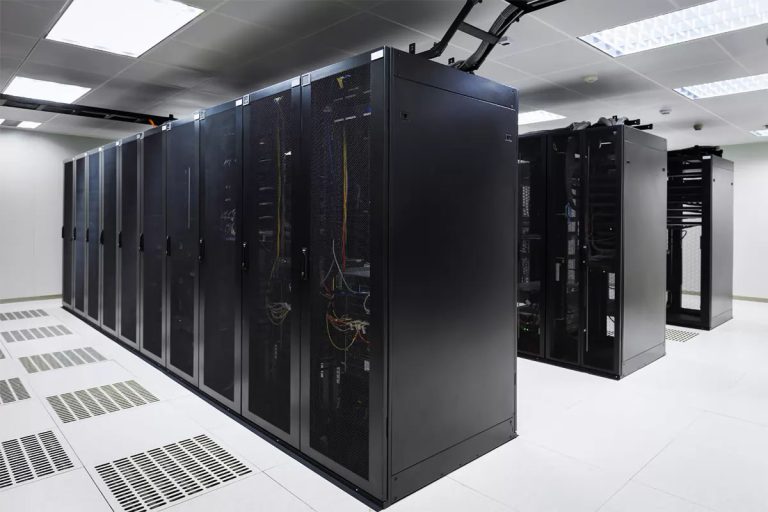
Floor-standing rack enclosures typically have front and rear doors that are ventilated to provide front-to-rear airflow, but they can also be configured without doors. Rear doors are usually split to reduce the clearance required to open them completely. The front door can be split too, though this is more unusual. The front door can be equipped with a Plexiglas window, but this may reduce the airflow through the cabinet.
Side Panels
Floor-standing rack enclosures can be configured with or without side panels. Modular side panels that are split into two pieces on each side make it easier to service the rack enclosure. Side panels without vents improve cooling efficiency. They prevent hot air from recirculating through the sides of the rack and maintain direct front-to-rear airflow.
Roof
Floor-standing rack enclosures usually have a removable roof panel that includes several openings for cable access. The roof may also have attachment points for external cable managers, including cable ladders and cable troughs.
Casters and Levelers
Casters are wheels connected to the bottom of the rack. Floor-standing enclosures usually include casters that allow you to roll the cabinet over a short distance during installation. Once the cabinet is in place, sturdy feet called levelers support the weight of the cabinet and equipment in place of the casters. They also allows you to adjust and level the rack on uneven surfaces. Racks can also be equipped with larger, sturdier casters that support more weight and provide greater mobility. Wall-mount cabinets and four-post racks typically do not include casters, but you can usually add them if you need them. Casters adapt wall-mount racks to floor-standing and “roll-away” applications under desks, tables or counters.
Locks
Rack enclosure doors and side panels have keyed locks that you can replace with optional combination locks. Locking doors and side panels are required for some security standards, such as the credit card industry’s data security standard (PCI DSS).
Hinged Wall Bracket
Some wall-mount rack cabinets include a hinged wall bracket. This allows the cabinet to open from the back, providing convenient access to equipment rear panels and cabling. A wall-mount rack with a hinged wall bracket requires more clearance than a similar model without the bracket, so decide whether you prefer increased access or reduced depth.
Mounting Holes
Two-post racks typically include round/threaded mounting holes. Four-post racks and enclosures typically include square holes, but some have round/threaded holes. Some vertical mounting rails include both types of holes on alternate sides.
Color
Most enclosures are black, but white enclosures are gaining popularity. They increase visibility, reduce lighting requirements and can reduce energy costs in large installations.
Toolless Mounting
Keyhole slots included on some racks allow you install compatible vertical PDUs and cable managers without fumbling with screws and mounting brackets. Toolless mounting saves a lot of time when you’re installing and configuring multiple racks.